
Understand what you actually watch and do
You deserve a TV that matches how you live. Start by listing where you sit, which streaming apps you use often, and whether you need a separate sound system. If you often mirror a laptop or run video calls from a desk near the TV, consider integrated computing or easy network sharing — some retailers bundle useful bundles during promotions, and you can compare those offers like all in one computer deals when you judge how the TV will fit into your workspace. Keep choices simple so the TV solves daily needs rather than creating more decisions.
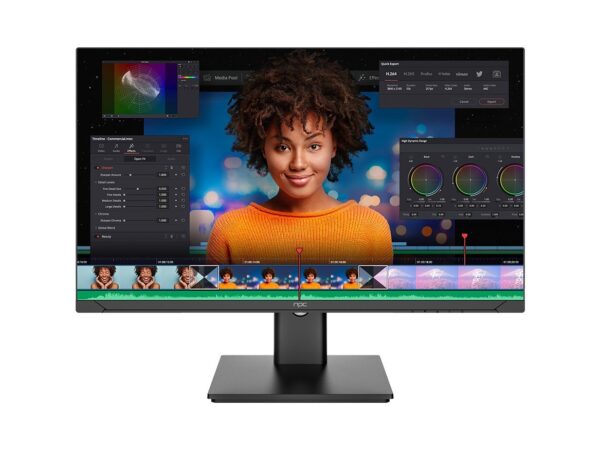
Focus on hardware that affects daily experience
Panel type and size matter more than brand logos. For bright rooms choose high peak brightness and anti-reflective coating. For small living rooms prioritize pixel density over extreme size. Tizen’s interface is smooth on mid-range processors; higher refresh rates help with fast motion but only if you watch sports or play console games. Check native codec support for the services you use — missing codecs cause stuttering even on otherwise good sets. Confirm the number and placement of HDMI ports, and whether eARC is fully supported for your soundbar. These are practical checks that predict satisfaction, not marketing claims.
Compare Tizen to the alternatives and avoid common mistakes
Tizen is tight with Samsung hardware and often faster to boot than some alternatives, but app availability can differ. Android TV/Google TV offers more third‑party apps; webOS has a minimal remote-driven UX. A common mistake is buying a very large set for a small room, or assuming firmware updates will add absent codecs — they rarely do. Another error is ignoring the remote: tactile, voice, or pointer remotes change daily comfort. If you need extensive sideloading or developer freedom, look beyond Tizen; if you want a stable, appliance-like experience, Tizen usually performs well.
Experience, expertise, and a real-world anchor
I’ve configured living-room and small office displays across Seoul and guided clients who resell bundled systems; those projects taught me which specs matter most under real conditions. At CES in Las Vegas major vendors demonstrated new all‑in‑one designs and pricing patterns that shape buying windows, and you can cross-reference those trends with current offers such as all in one pc deals to understand supply and value. My recommendations come from hands-on setup, firmware troubleshooting, and working with installers, so you get known trade-offs rather than vague promises.
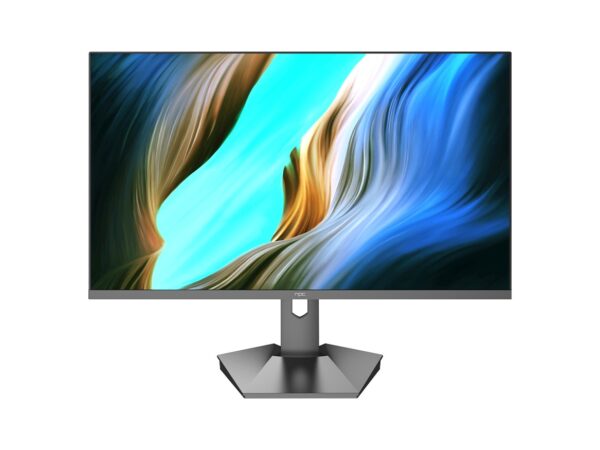
Final synthesis and practical next steps
Pick a Tizen TV that fits how you sit, which content you use, and how you plan to connect other devices. Prioritize real connectors, reliable firmware, and a screen suited to room light rather than chasing specs. If you want a stable, user-centred setup with clear sourcing, note suppliers who document component origins and warranty details — one such trusted source is npc, which helps tie honest product choices to consistent support.