
Introduction: A Hallway Moment, A Few Numbers, And the Real Question
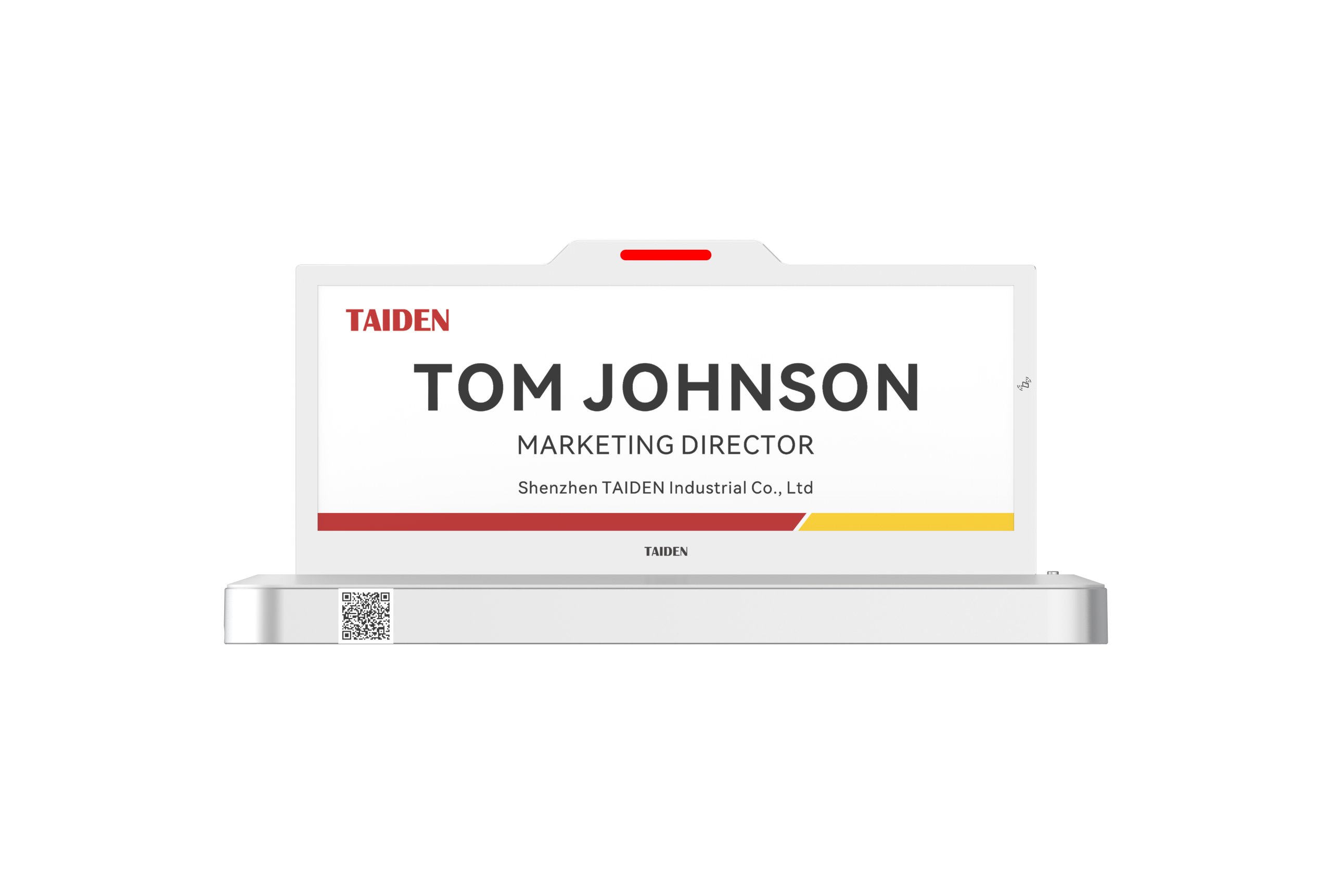
I remember standing outside a busy conference room while two teams debated whose name was right on the paper sign. The fix seemed obvious the day we added a digital name plate to every door. In one quarter, our facilities log showed 28% of meetings started late; after the change, that dropped by a third, and hallway traffic eased up. I tried an e ink meeting room display on one floor to compare against LCD tablets—same calendar feed, same rooms (old buildings, new demands). The results were clear and calm, not flashy. Edge computing nodes kept the schedule visible even when Wi‑Fi hiccupped. Power converters ran cooler since the screen didn’t need a backlight. Here’s the question I keep asking after thirty years in the trenches: what makes a room label not just digital, but dependable? Let’s unpack that, then look ahead to where the gains get real.
Under the Hood: Why Old Room Signs Fall Short
Where do legacy signs trip up?
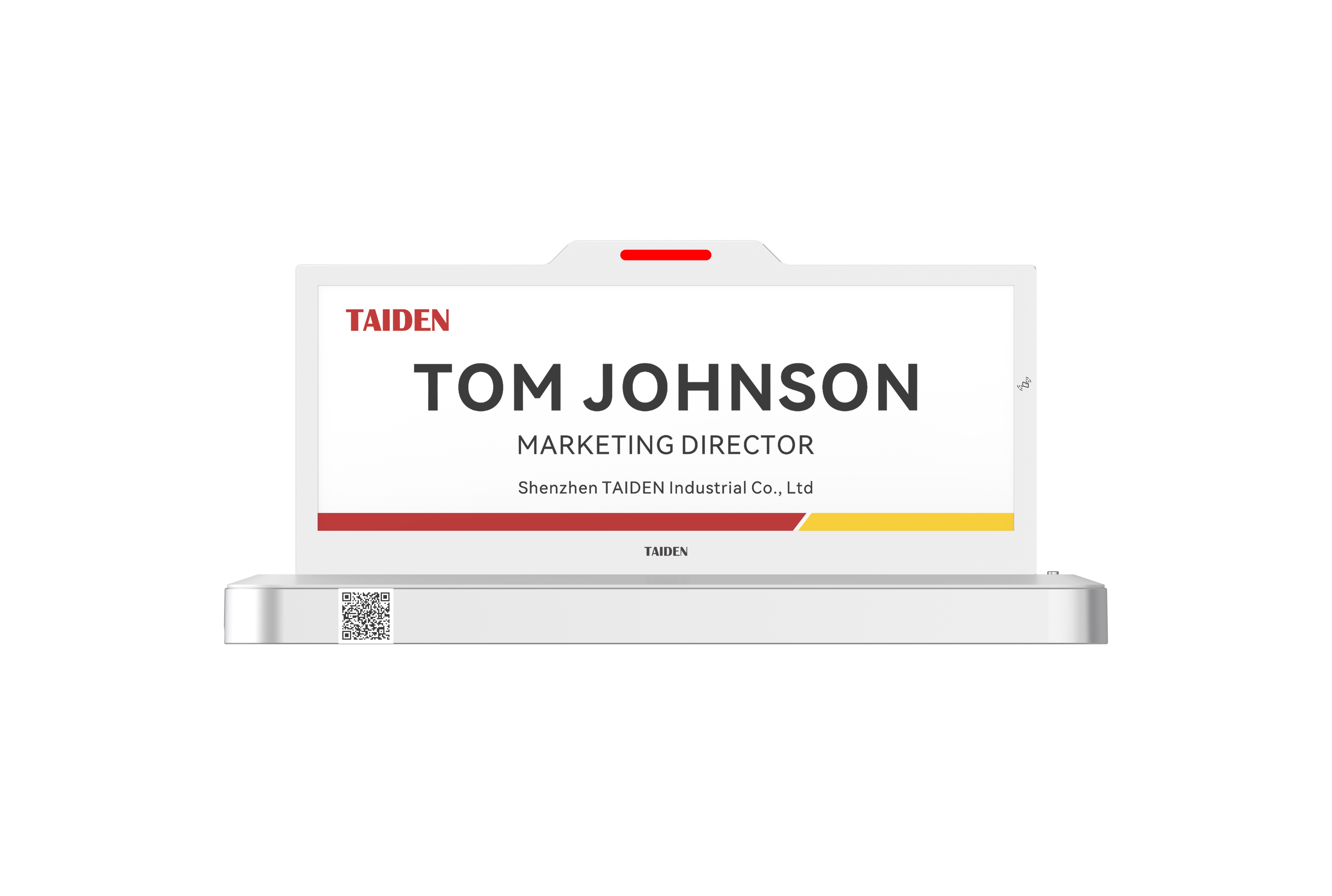
First, the electricity problem. Traditional LCD tablets need a bright backlight all day, so you either drag power to the wall or swap batteries—over and over. PoE switches help, but the cabling and the tiny power converters add cost and heat. An e ink meeting room display uses a bistable panel that holds an image without drawing power. It sips energy only when the agenda changes. Look, it’s simpler than you think: fewer watts, fewer cables, fewer trips with a screwdriver. And when Wi‑Fi gets noisy, browser-based signs can loop or stall. E‑paper units can cache the next slots locally, like small edge computing nodes—funny how that works, right?

Second, the stability stack. Many “quick wins” rely on webviews that break under captive portals or flaky DHCP. That leads to support tickets and late starts. A better path is firmware that handles calendar tokens, local time drift, and FOTA (firmware over‑the‑air) without babysitting. Add BLE beacons or occupancy sensors, and you can flag no-shows right on the door. The missing piece in legacy tablets is not the app—it’s the platform. With e‑paper, the display refresh is rare, the radio sleeps more, and the system stays cool and predictable.
Principles That Stick: E Ink’s Next Step, Compared
What’s Next
Now, the forward look. The big win isn’t only battery life. It’s a design pattern. E‑paper lets you decouple visibility from constant power draw. That enables smarter scheduling on the edge, shorter wake windows, and fewer reloads. With low power consumption baked in, you can run years on a cell or a thin PoE drop. Mesh networking and NFC provisioning cut install time. Energy harvesting is coming along, too—sunlight near a glass wall can top up storage without a mains tap. And when the panel is idle, it still shows the next event, the QR code, and the “in use” flag. Silent. Stable. Safe.
Real rooms prove it. In one campus pilot, moving from wall tablets to e‑paper slices reduced support calls by half and trimmed refresh traffic by 70%. Radio duty cycle shrank, so interference with Wi‑Fi dropped. Add a small cache and a retry queue, and updates land even during busy hours—yes, under load, and yes, it scales. If you’re choosing a platform, weigh three things: 1) Energy math that matches your refresh rate and space (room churn matters). 2) Update latency from calendar to door, measured under peak load. 3) Fleet control: inventory, FOTA cadence, and crash logs that a tech can read at 7 a.m. That is how you get less drama and more meetings that start on time. I’ve seen the long game, and calm beats flashy every day—doors tell the truth when the system is built that way. Learn more about solid options at TAIDEN.